Choose Microsoft Planner
if you need lightweight task boards for a team: to-dos, buckets, a basic timeline, inside Microsoft 365.

And see where your projects are actually getting stuck
if you need lightweight task boards for a team: to-dos, buckets, a basic timeline, inside Microsoft 365.
if you need detailed scheduling for one project at a time: full Gantt charts, dependencies, baselines.
the moment your problem stops being “what are the tasks?” and becomes “who's overloaded across all our projects, and which one slips first?”
Neither Planner nor Project answers that
Planner and Project details reflect Microsoft’s published product limits
| What you need | Microsoft Planner | Microsoft Project | Epicflow |
|---|---|---|---|
| Best for | Simple team task lists | Detailed single-project schedules | Many projects sharing resources |
| Task capacity | Up to 3,000 active tasks per plan | Large, per project | Unlimited (Enterprise) |
| Gantt / timeline | Timeline view (premium adds dependencies + critical path) | Full Gantt + critical path | Gantt + portfolio timeline |
| Task dependencies | Limited (up to 20 per task) | Full | Full, including across projects |
| Custom fields | Up to 10 | Extensive | Unlimited |
| Resource management across projects | — | Limited (in PWA — retiring) | Advanced resource management across the portfolio |
| Capacity planning | — | Basic | Real-time and future capacity visualization across all projects |
| Bottleneck prediction | — | — | Predictive: flags slips weeks ahead |
| What-if scenario planning | — | — | Models portfolio impact in seconds |
| Real-time portfolio dashboards | — | PWA (retiring) | Real-time, board-ready |
| Master / sub-project hierarchy | — | Yes | Full portfolio hierarchy |
| Works alongside your current MS Project | — | — | Overlays MS Project Desktop, Jira, Primavera, SAP |
| Hosting / data residency | Microsoft cloud | Microsoft cloud | EU-hosted (EU data residency); self-hosting available |
| Longevity | Current | Project Online retires Sept 30 2026 (Desktop continues) | A future-ready alternative that goes beyond Project Online’s capabilities |
| Written performance guarantee | — | — | 50% off until targets are achieved |
Performance guarantee: Three metrics defined with you before go-live. 50% off until targets are achieved.
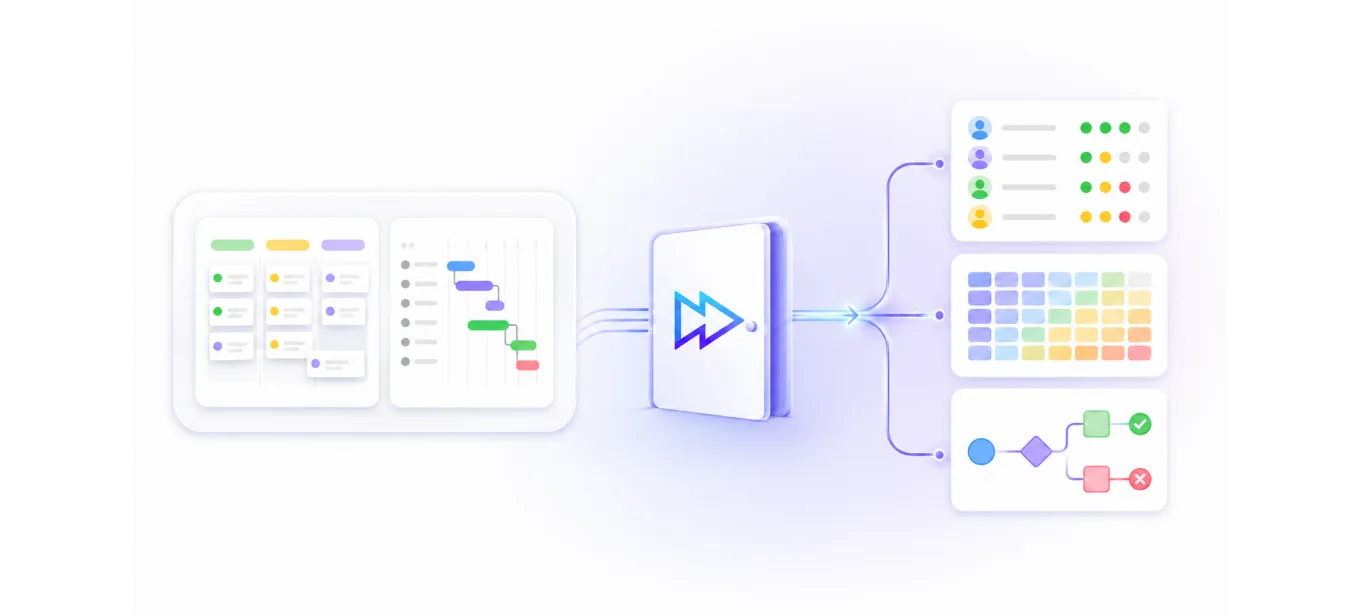
Here’s the part the comparison doesn’t tell you: moving from Planner “up” to Project or to Planner Premium keeps you inside the same box. Both are still about one project’s tasks and schedule. Neither shows you the resource conflicts across your projects: which team is overloaded, which project slips because of it, what happens if you reshuffle.
That’s the layer Project Online used to give enterprise teams. It’s retiring. And it’s exactly the layer Epicflow adds — a third door, not a fourth Microsoft tier.
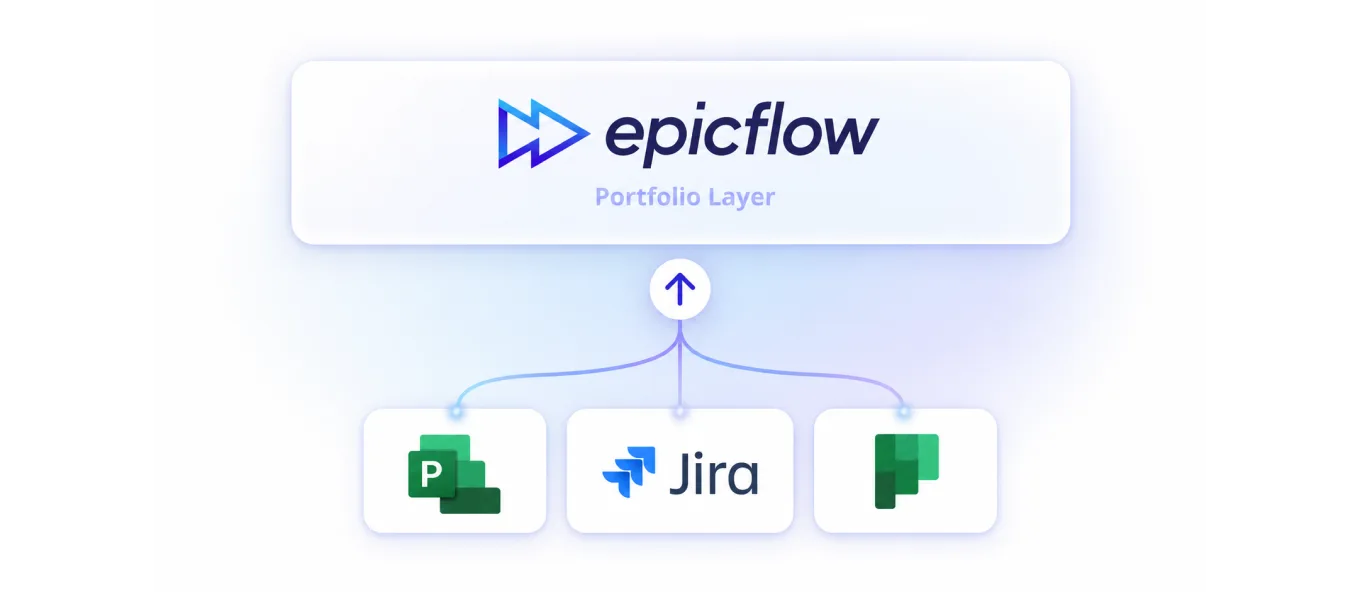
Epicflow sits above your existing tools. Your teams keep MS Project, Planner, or Jira. Epicflow pulls them together into one portfolio view with AI resource allocation, bottleneck prediction, and what-if planning across every project. You add the layer Planner and Project don’t have without ripping anything out.
The Dutch Ministry of Defence uses Epicflow to improve delivery across complex programmes. A published case study showed that lead times could be reduced by more than 30%. Results may vary depending on each organisation’s environment and program complexity.
Book a 30-minute Risk Scan. We map where your current setup — Planner, Project, or both — is hiding resource conflicts, and whether the portfolio layer is worth adding. If it’s a fit, we run a 90-minute session on your real data, and you keep the diagnostic either way.
No. Planner manages team task lists; Project builds detailed project schedules with Gantt charts, dependencies, and baselines. Planner is simpler and included in many Microsoft 365 plans; Project is a dedicated scheduling tool. Neither manages resources across multiple projects.
Planner (which absorbed Project for the web) is Microsoft’s lightweight option, but it does not replace the enterprise portfolio capabilities of Project Online, which retires September 30, 2026. For multi-project resource and portfolio management, teams move to a dedicated platform.
Microsoft Planner Premium has a Timeline view with task dependencies and a critical path, but it lacks baselines and resource levelling, and it can’t plan across multiple projects. Microsoft Project has the fuller scheduling toolset; Epicflow adds a portfolio-level timeline and resource view across all your projects.
Planner isn’t retiring, it’s Microsoft’s current task app (Project for the web folded into it). The product retiring is Microsoft Project Online (Sept 30, 2026). If you’ve outgrown Planner for multi-project work, the move is to a portfolio platform like Epicflow, not a different Microsoft tier.


