Keep your current tool
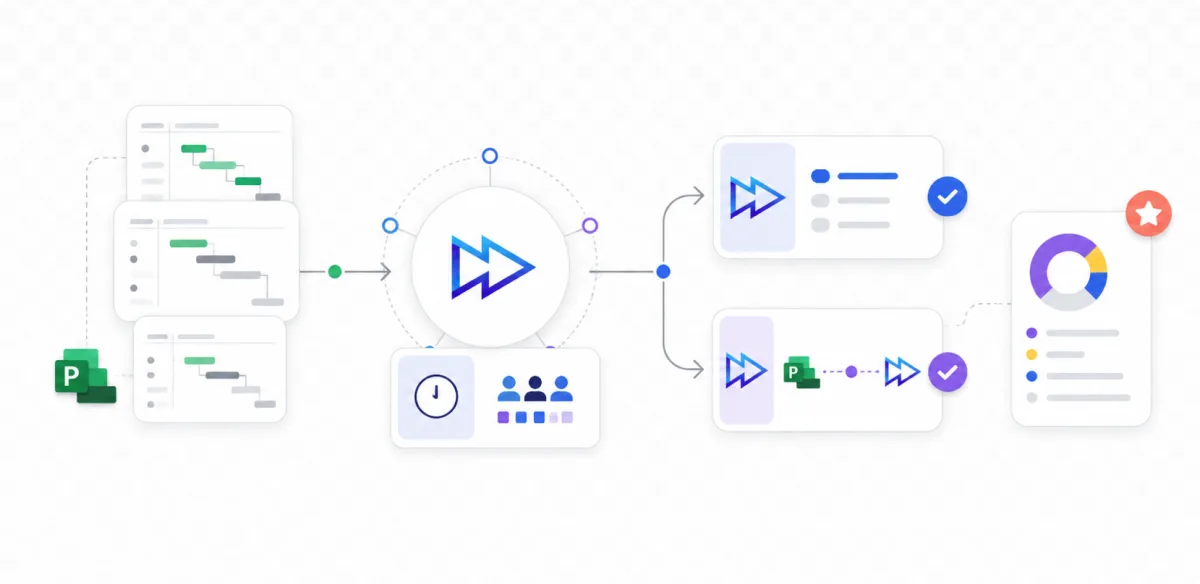
Epicflow works alongside MS Project Desktop, Jira, Primavera, and SAP. Your project managers keep the tool they know, while Epicflow adds the portfolio and resource layer on top.

Microsoft Project Online retires September 30, 2026. Most “alternatives” are just schedulers. Epicflow is more than a replacement: it keeps your plans and adds what MS Project Online never had – AI resource management across every project.
We map whether a full switch or an overlay on your current MS Project is the right path, in your real environment.
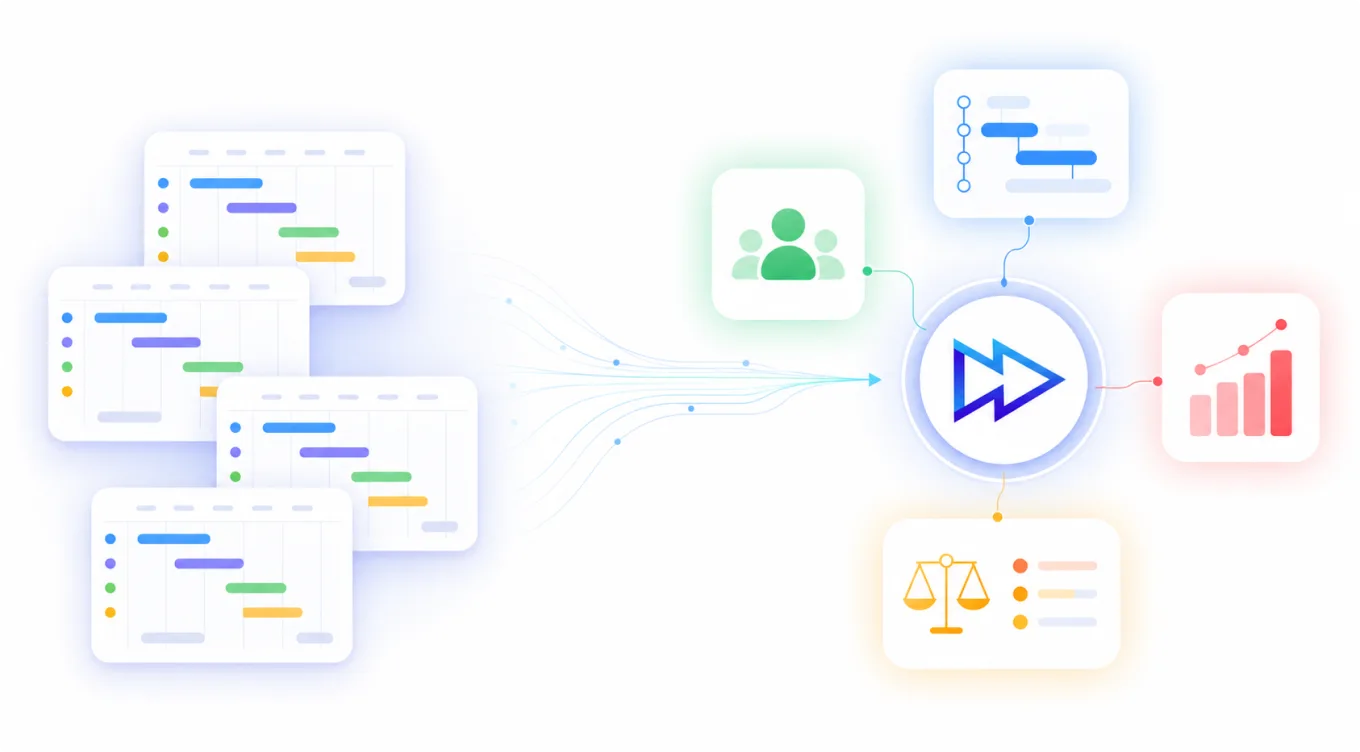
Search “Microsoft Project alternative” and you get the same list every time: another scheduler, .mpp file compatibility, a prettier Gantt chart. Swap like for like and in five years you’re back here with the same problem.
Project Online didn’t just draw schedules. It gave you visibility into resources, portfolios, and performance across projects. That’s the layer you’re really replacing, and a task board or a Gantt app doesn’t give it back.
The real question: stay with a scheduling tool, or move to a platform that connects your projects, your people, and your portfolio in one place?
See who's overloaded, who has capacity, and what happens if you move someone from Project A to Project B. Resource conflicts across your whole portfolio, detected automatically, not reconstructed in a spreadsheet every Monday.
Know which projects will slip weeks before they do, while there's still time to act.
A new project lands on your desk. Model the impact on everything already running in seconds, not after a two-day analysis.
Board-ready portfolio views the moment you need them, instead of two days compiling reports from systems that disagree.
The Dutch Ministry of Defence uses Epicflow to improve delivery across complex programmes. A published case study showed that lead times could be reduced by more than 30%. Results may vary depending on each organisation’s environment and program complexity.
Performance guarantee: Three metrics defined with you before go-live. 50% off until targets are achieved.

We review your current MS Project environment and help you decide whether a full switch or an overlay is the right option. If Epicflow is a fit, we run a 90-minute working session with your real project data. You keep the portfolio diagnostic, even if you decide not to continue.
Not ready for a call? Download the MS Project Online Migration Checklist — what dies when, what Planner covers and doesn’t, and 5 questions to ask before picking a replacement.
Microsoft points customers to Planner (the app formerly branded Project for the web) and, for on-premises, Project Server Subscription Edition. Neither manages resources or portfolios across many projects the way Project Online did. Epicflow is built for that layer — the multi-project portfolio with shared resources.
Microsoft Project Online retires September 30, 2026. The desktop MS Project app continues, but the online portfolio/PWA environment is going away, which is why teams are choosing a successor now.
There’s no full free version. Planner is included in many Microsoft 365 plans, but it’s a task manager, not a portfolio and resource platform. If you run many projects with shared people, “free” ends up costing you in spreadsheets and missed conflicts.
The web version was renamed Microsoft Planner (Project for the web folded into Planner). The desktop app is still Microsoft Project. Project Online, the enterprise/PWA service, is the one retiring in 2026.


